KiCad Tutorial 2026: Generate PCB Manufacturing Data - Part 5
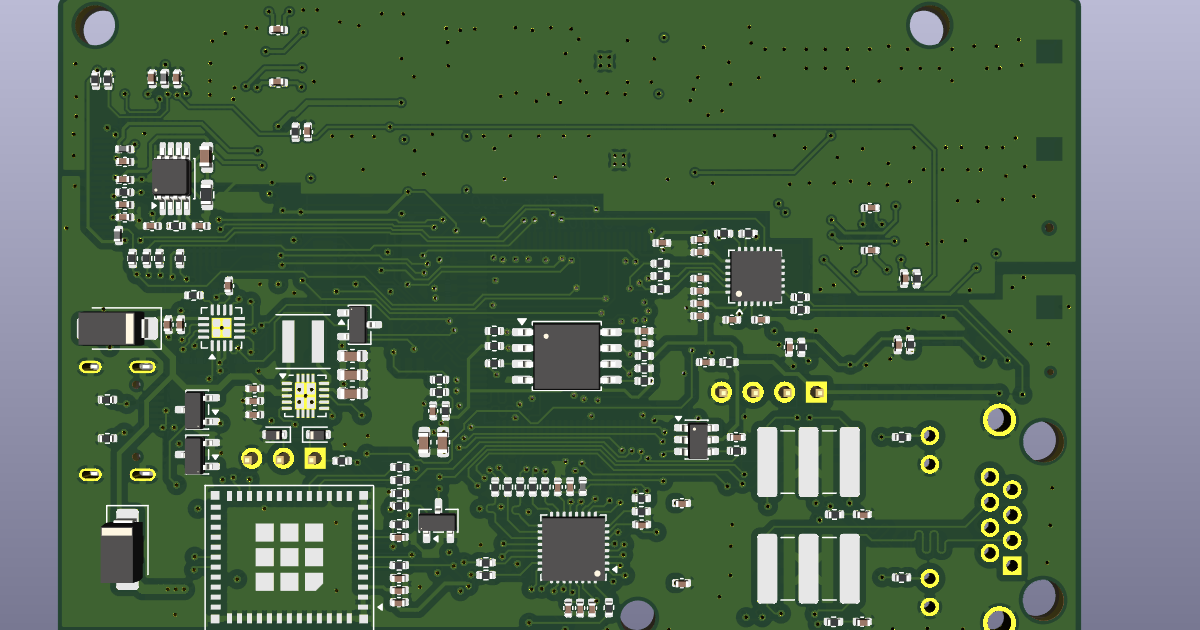
KiCad Tutorial 2026: Generate PCB Manufacturing Data - Part 5
KiCad Circuit Design Software Usage Guide
Part 5: Generate PCB Manufacturing Data
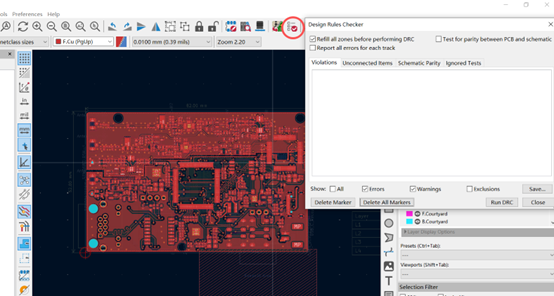
5.1 Perform Final DRC Check
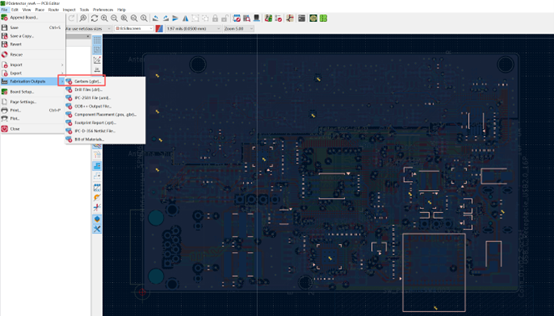
5.2 Generate Gerber Files
Select file save location. 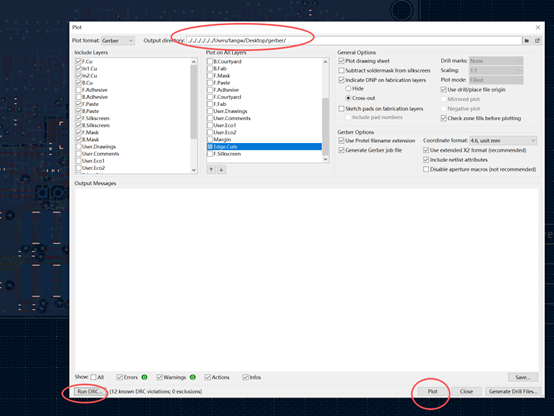
5.3 Generate Drill Files
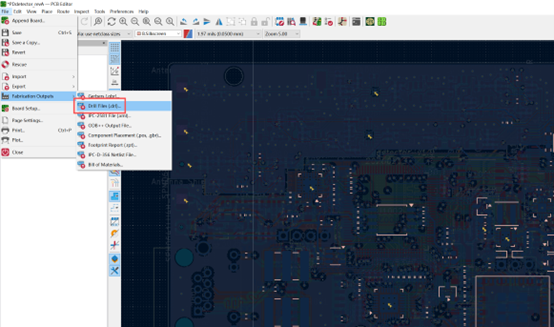
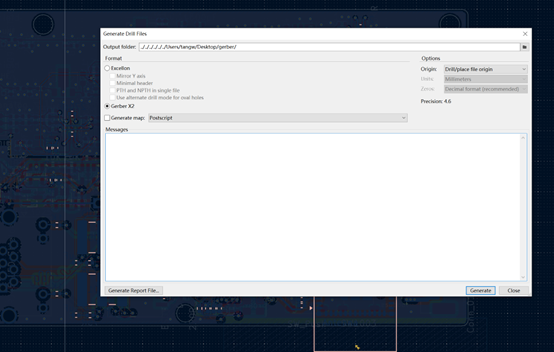
Save in the same location as Gerber files.
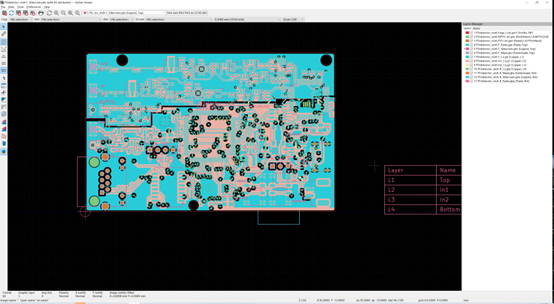
5.4 Use KiCad Gerber Viewer Verify generated files.
5.5 Generate Position (Pick-and-Place) Files
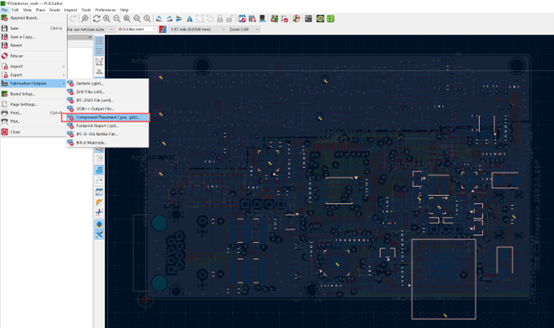
Choose save path. 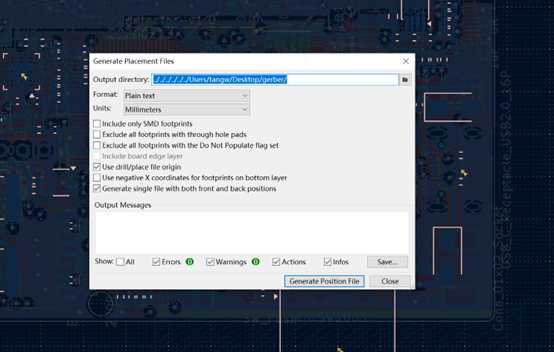
5.6 Generate BOM (Bill of Materials)
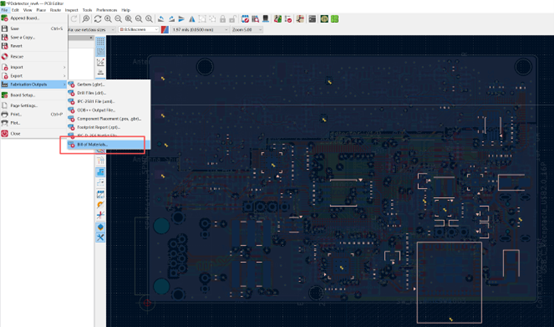
OK, all done!
This post is licensed under CC BY 4.0 by the author.